Content provenance for creators · macOS

Your content,
your proof.

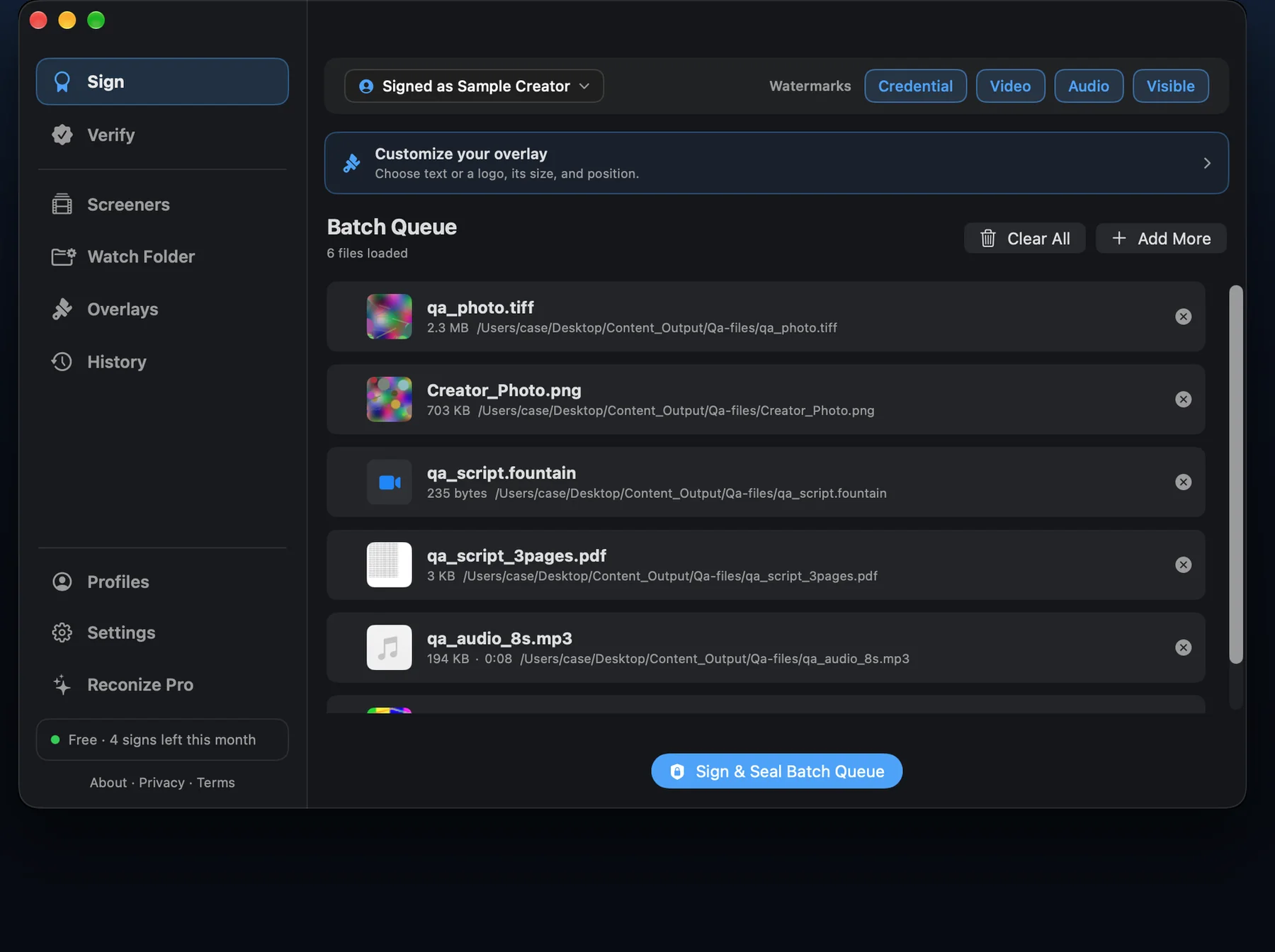
Seal your identity into every video and photo before you share it. Cryptographic C2PA credentials in the file, plus an invisible, compression-proof watermark in the pixels — so you can prove what's yours even after it's stripped, re-encoded, or reposted. 100% local on your Mac.

Reconize macOS Application Interface Mockup showing batch signing queue

Double-Layered Provenance

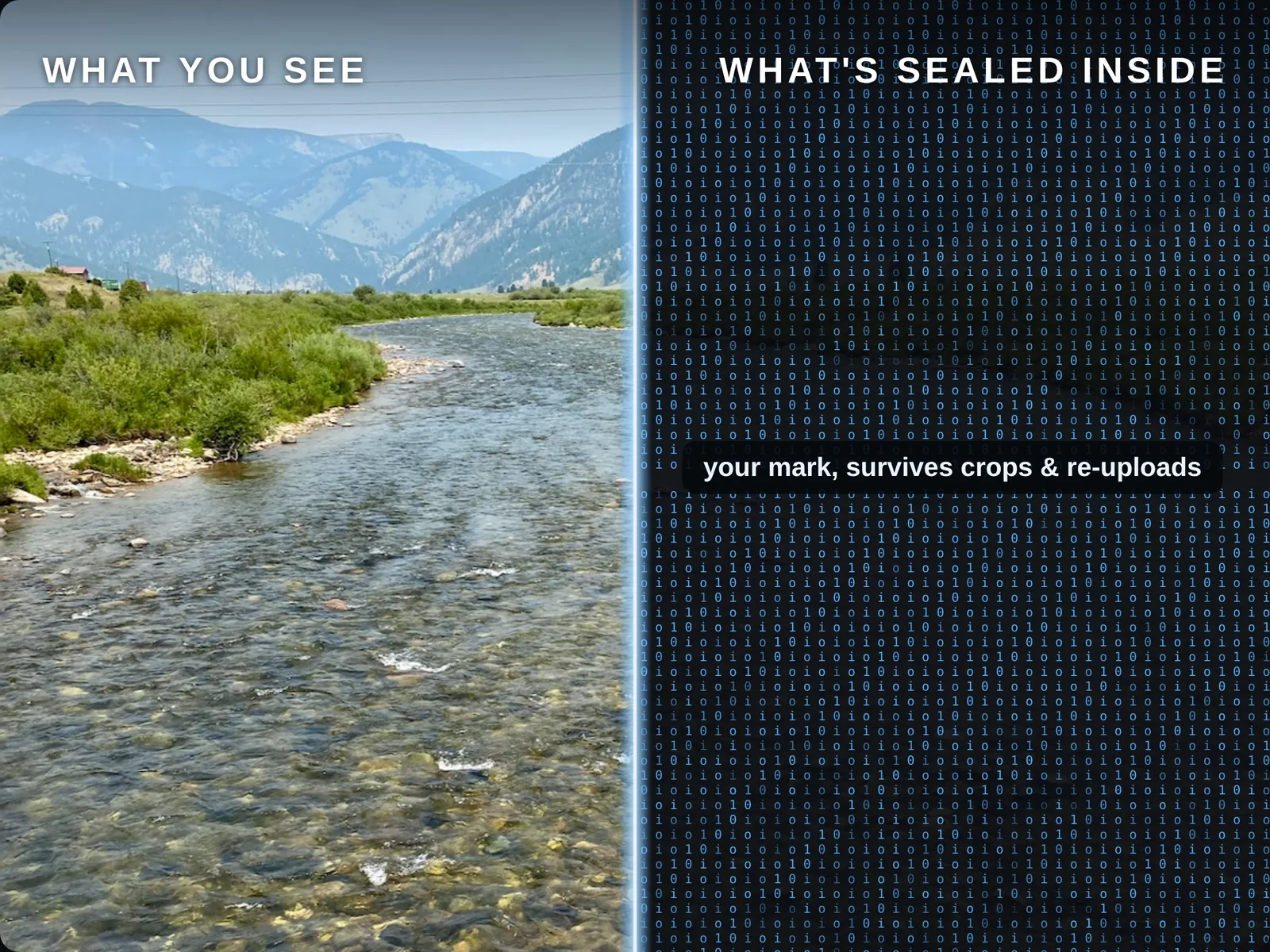
Metadata gets stripped by platforms and bad actors. Pixels don't. Reconize secures your digital rights at two independent levels.

1

Cryptographic C2PA Credentials

Embed tamper-proof metadata into the file container. Compliant with the industry-wide C2PA open standard (backed by Adobe, Microsoft, Sony, and Leica). Displays your verified name, channel, and social profiles directly in compliant web players.

2

Invisible Pixel Watermark

Meta's VideoSeal neural network model weaves a 256-bit unique identifier into the video pixels themselves. It remains completely invisible to the human eye, but survives aggressive re-encoding, screenshots, cropping, and compression.

100% Private & Local

Your content and private signing keys never touch the cloud. Neural network processing runs entirely on your Mac's Apple silicon (MPS hardware-accelerated). No account creation, no tracking — your media is never uploaded.

Local History Registry

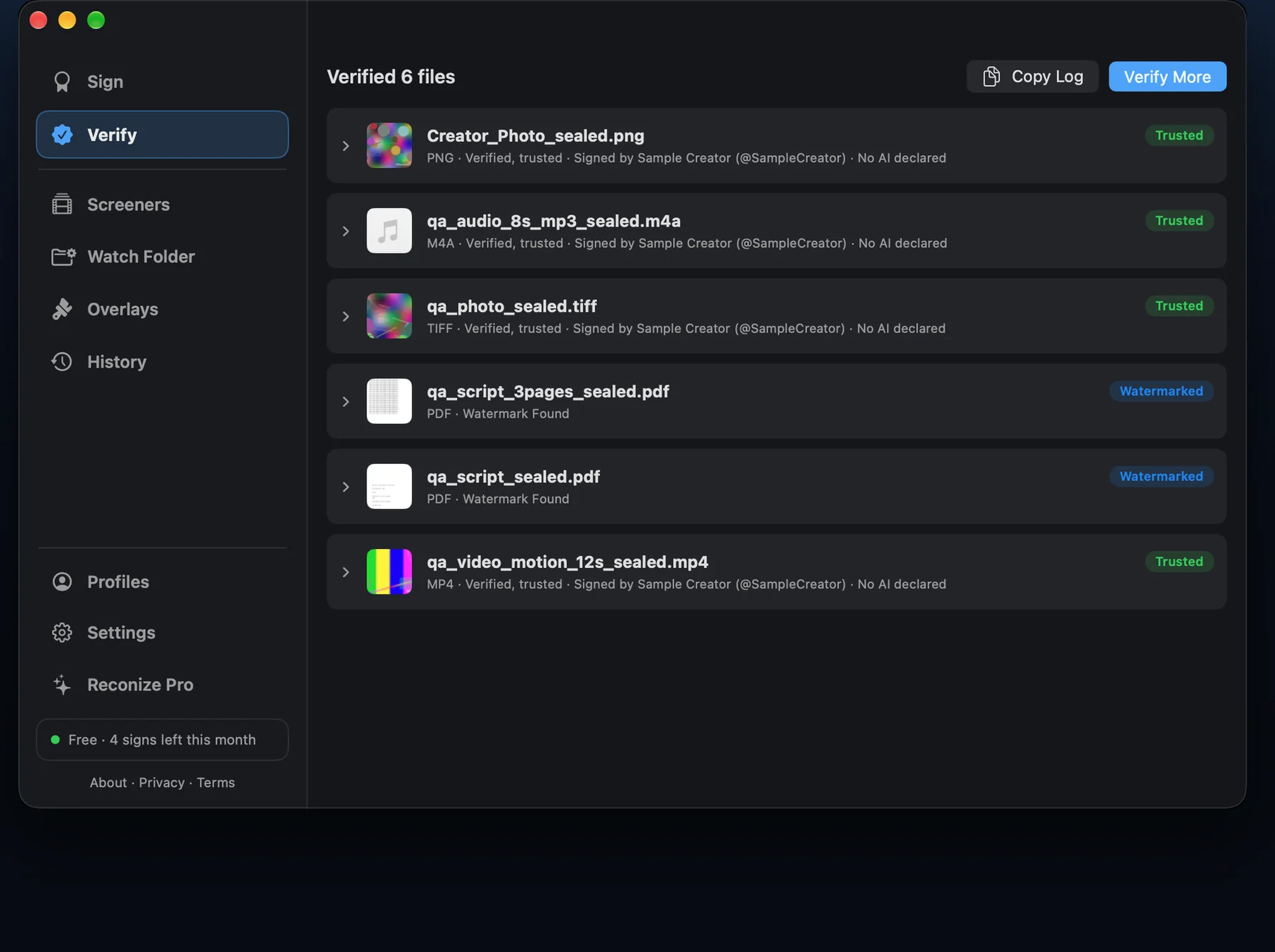
Reconize keeps a local append-only history of every file you sign. If someone uploads a copy of your work with all metadata stripped, dropping it into Reconize cross-references the pixel watermark against your history to recover and prove ownership.

Verify Your Content Online

Experience our verification engine right in the browser. Drag and drop a media file here to check it for cryptographic credentials or neural pixel watermarks. Everything is processed locally in your browser sandbox.

Drag & Drop Video or Photo here

Supports MP4, MOV, JPG, PNG

Drop a file to view C2PA metadata and pixel watermark details.

video_sealed.mp4

Verified
Cryptographic signature and pixel watermark are consistent. No tampering detected.
C2PA Signature Status Valid (Self-signed)
Signer Name Jane Doe
Creator Handle @JaneDoe
Signing Date July 6, 2026
VideoSeal Watermark ID 217d353...910f4f7
Consistency Match 100% Match (Manifest ID = Pixel ID)

Start free. Upgrade when you need more.

Every plan signs locally with both provenance layers. Paid plans lift the video quota and unlock photo signing. Cancel anytime.

Free

Try Reconize

$0
Get Reconize
  • 4 videos per month
  • Invisible watermark + C2PA credentials
  • 100% local & private

Pro

For power users

$10 /mo
Choose Pro
  • Unlimited videos
  • Photo signing included
  • Invisible watermark + C2PA credentials
  • Watch folder & batch signing

Prices are set by the App Store and may vary by region. Apple's Small Business Program terms apply.

Frequently Asked Questions

Does the watermark change how my video looks?
No. The VideoSeal neural network embeds watermarks in a way that is mathematically imperceptible to the human eye. It maintains your video's native resolution, frame rate, and color space properties.
Does the watermark survive YouTube/TikTok re-encoding?
Yes. Meta's VideoSeal is built specifically to survive standard video pipelines, including heavy H.264/HEVC compression and minor resolution shifts used by social sharing sites.
What happens if someone strips my metadata?
If a platforms strips the C2PA file metadata, the VideoSeal watermark remains embedded in the video pixels. You can drop that stripped file back into Reconize, which will extract the watermark ID and match it against your local history log to re-attribute ownership.
Do I need a third-party account to sign?
No. The app runs completely locally and generates your creator certificate on-device. There's no third-party account and your videos are never sent to a cloud server to sign them — signing happens entirely on your Mac.