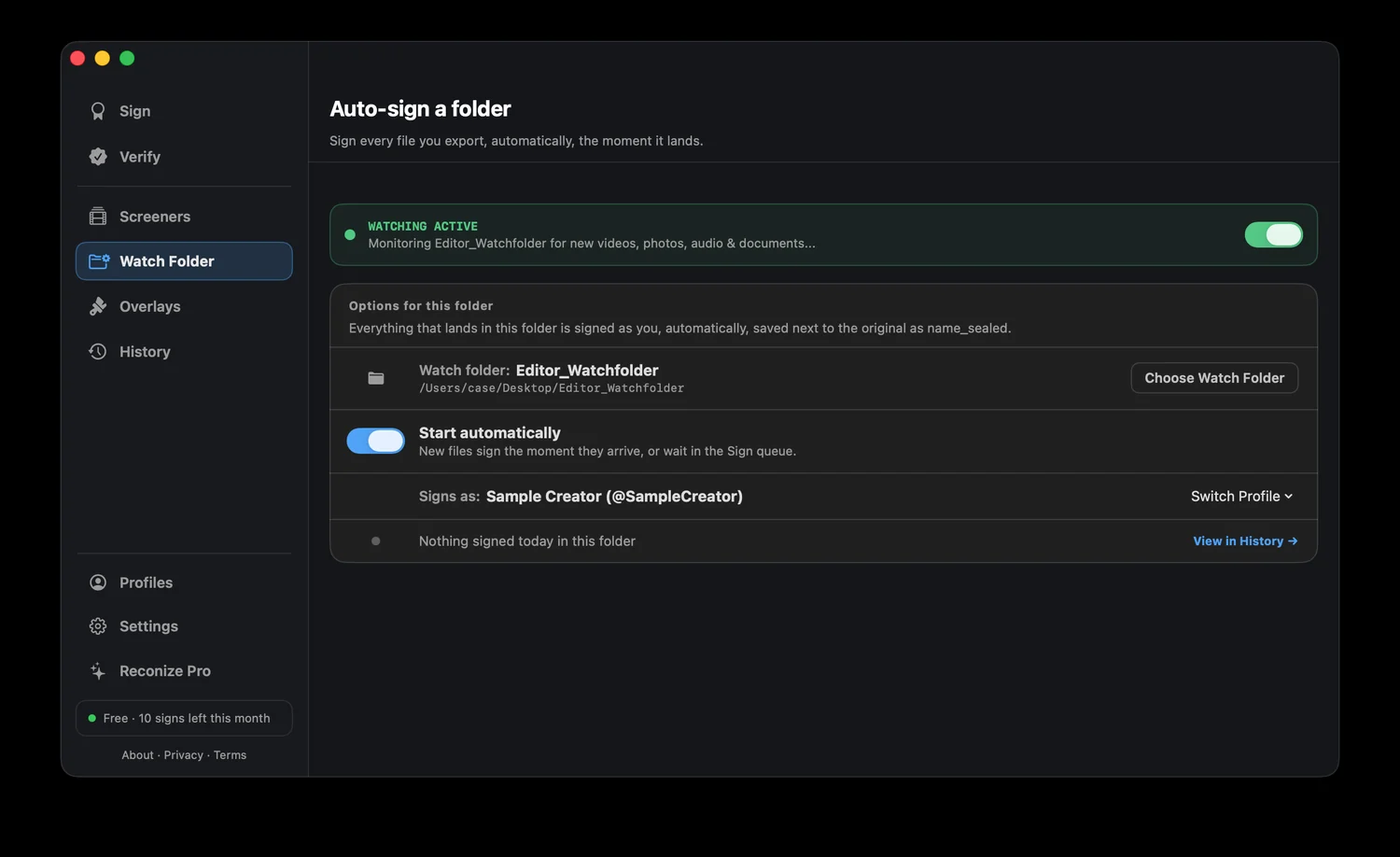
Reconize sits at the end of your pipeline, not inside it. Point it at your export folder and every render gets sealed and watermarked automatically, with zero changes to how you edit.
Free to verify. No account required. 100% on your Mac.
You don't want another plugin slowing your NLE, or a manual step on every export. But an unsigned render is a file anyone can claim, re-cut, or repost with nothing tying it back to you.
Reconize watches your export folder. The moment a render lands, it seals your authorship and hides an invisible mark in the pixels, automatically. Your edit workflow never changes; the protection just happens.
Point Reconize at your export folder. Every new file is sealed and watermarked the instant it appears, no manual step.
Premiere, Resolve, Final Cut, whatever you cut in. Reconize works on the output, so there's no plugin and no timeline change.
Your ID lives in the pixels, so it holds through compression, platform re-encodes, and re-uploads.
Drop a whole folder of finished renders in and sign them all in one pass.
Choose your export folder in Reconize's Watch Folder and sign in as yourself.
Keep cutting. Every render that lands in that folder is sealed automatically.
A cut resurfaces where it shouldn't? Drop it in and Reconize confirms it's yours.
Ten seconds to protect it now beats ten weeks trying to prove it later.